> For the complete documentation index, see [llms.txt](https://thembay-docs.gitbook.io/greenmart/llms.txt). Markdown versions of documentation pages are available by appending `.md` to page URLs; this page is available as [Markdown](https://thembay-docs.gitbook.io/greenmart/woocommerce-setting/products-image-size.md).
# Product's image size?
{% hint style="info" %}
#### Follow the steps below to edit the image size:
{% endhint %}
### **1. Turn On "Enable Config Image Size" in Theme Options**

**Then config in WooCommerce Customize:**

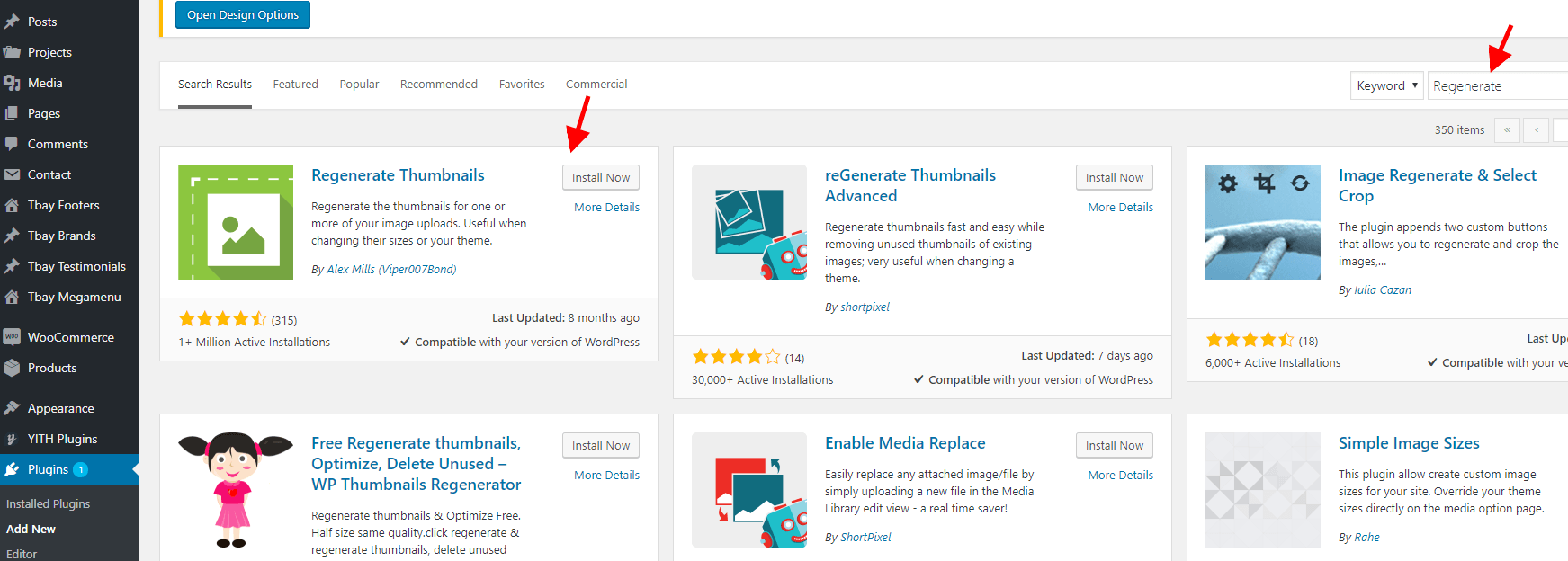
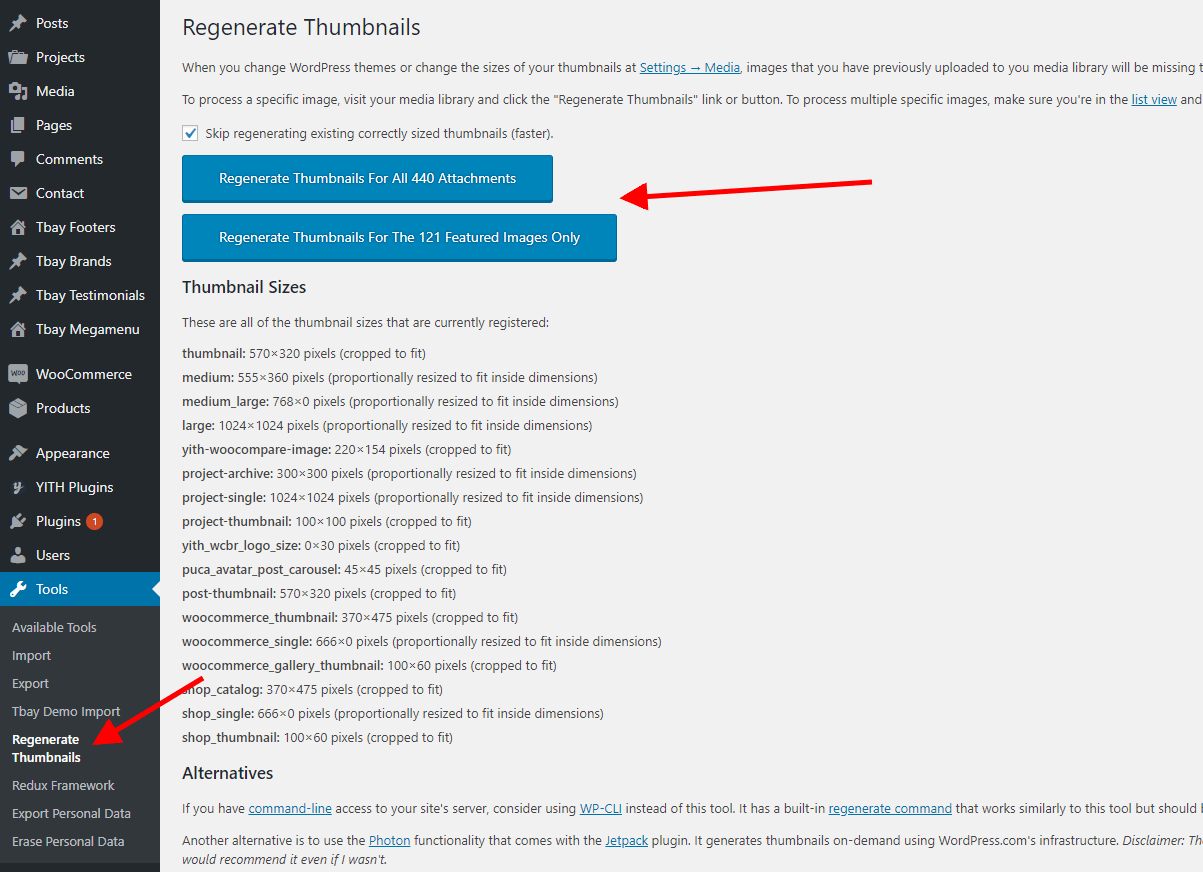
### **2. Regenerate Thumbnails with the "Regenerate Thumbnails" plugin.**