> For the complete documentation index, see [llms.txt](https://thembay-docs.gitbook.io/greenmart/llms.txt). Markdown versions of documentation pages are available by appending `.md` to page URLs; this page is available as [Markdown](https://thembay-docs.gitbook.io/greenmart/woocommerce-setting/woocommerce-quantity-mode.md).
# WooCommerce Quantity Mode
{% hint style="info" %}
**Quantity Mode in skins will have different operations. You should see the example below.**
{% endhint %}
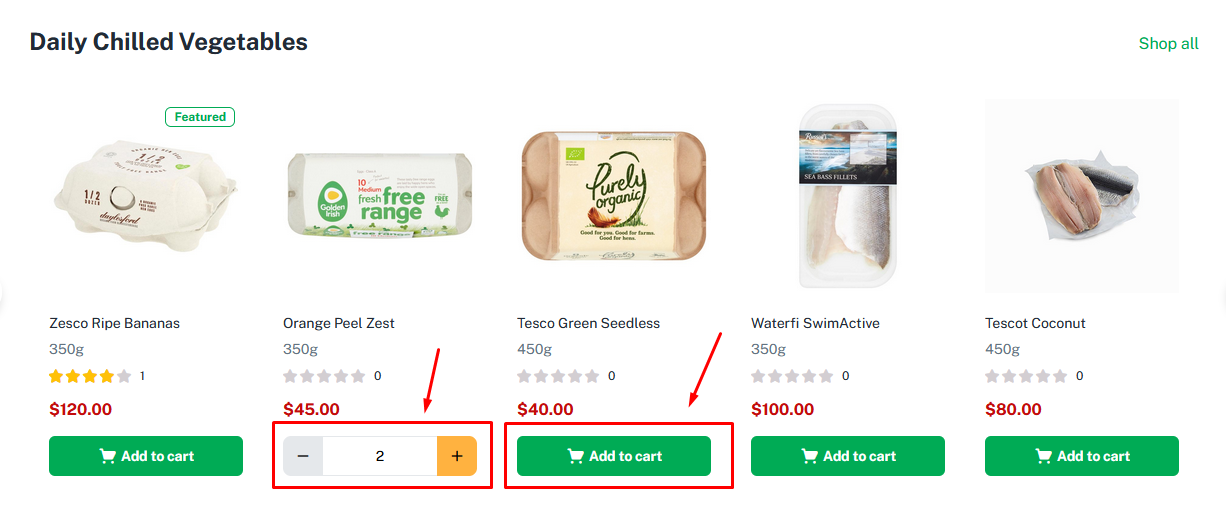
1. **WooCommerce Quantity Mode for Organic, Medicine, and Flower Skin**
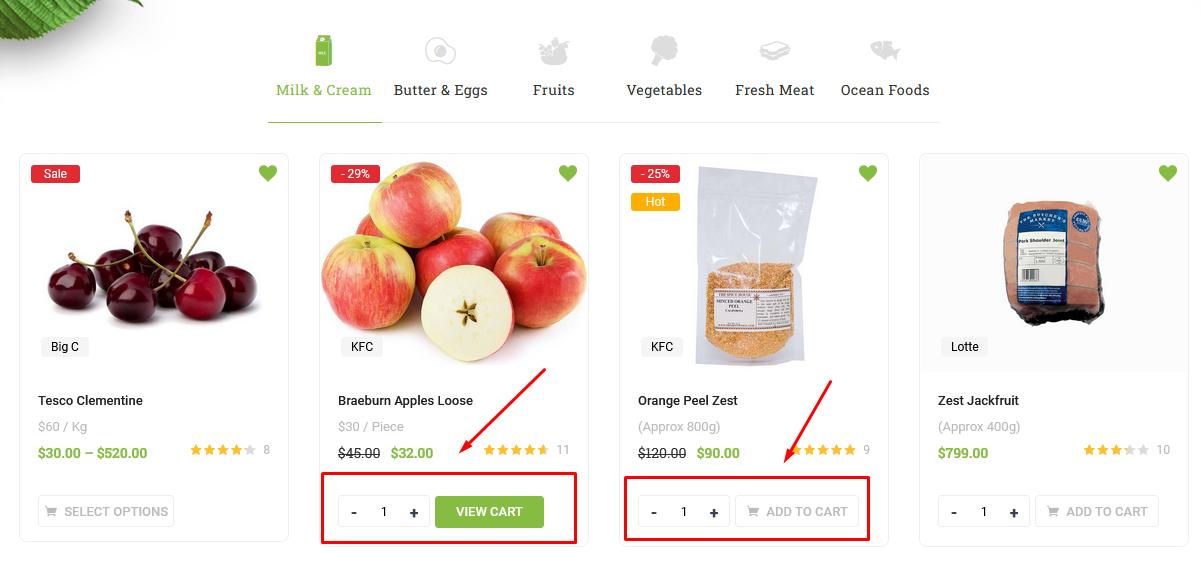
2. **WooCommerce Quantity Mode for Fresh Skin**
{% hint style="info" %}
**WooCommerce Quantity Mode for Fresh Skin uses Ajax. So it will not be compatible with the plugin "Variation Swatches for WooCommerce" Pro version**
{% endhint %}